Gantt chart for tracking project progress: input % complete and actual cost, calculate schedule and get EVM indicators with S-curves. It is simpler than Excel.
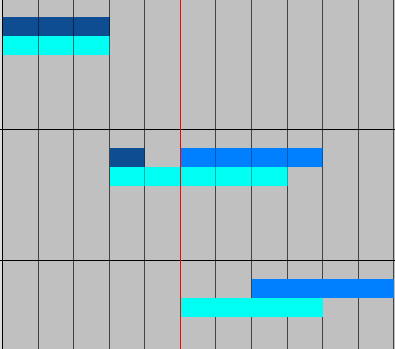
  • Follows the rule: completed work parts in the past, uncompleted in the future
  • Allows to manage residual work
  • Provides EVM indicators and S-curves easily
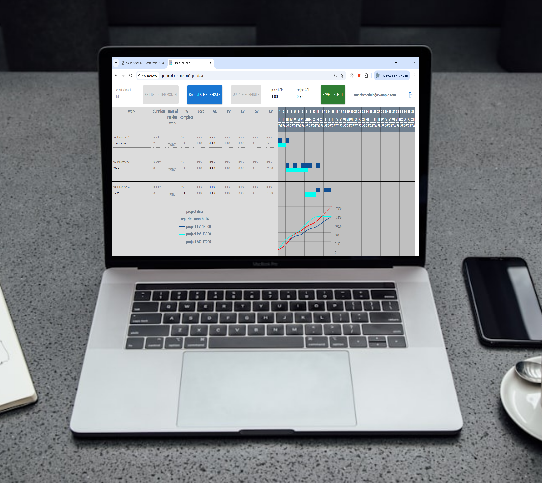
image alt
It is recommended to view app on screen 13" or bigger
Demonstration
How Smart Schedule calculates schedule and computes EVM indicators
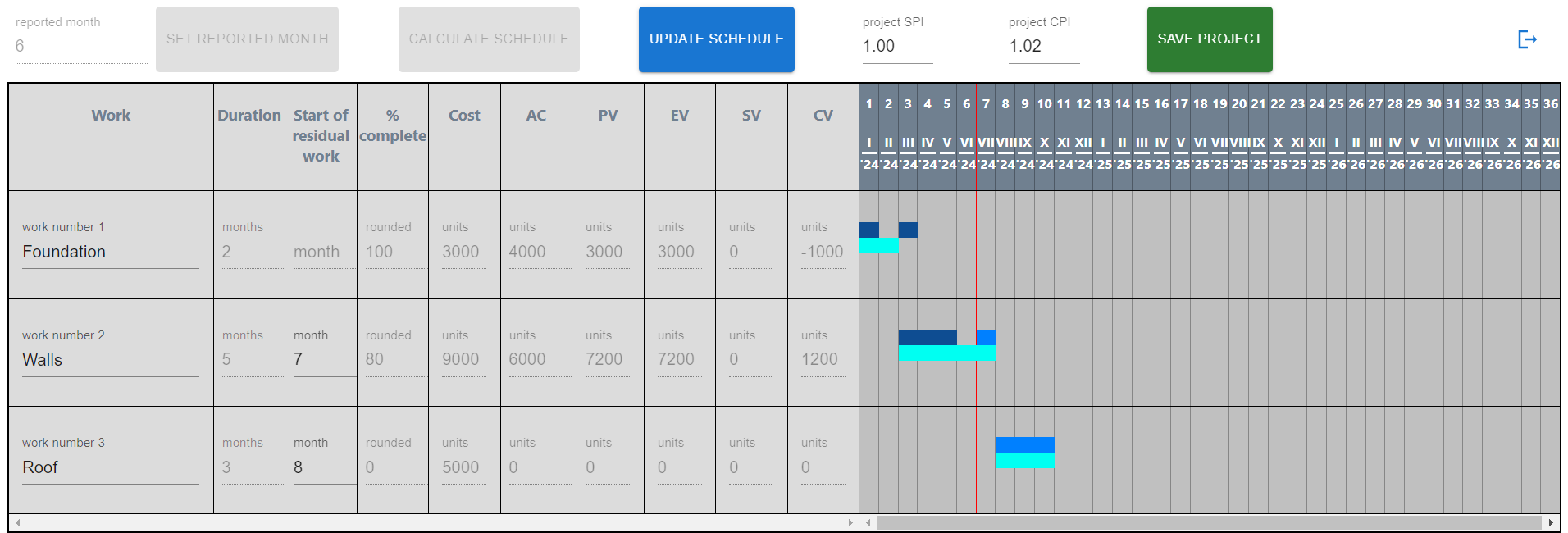
image alt

Single rule of calculation

Once schedule is calculated the completed parts of work move to the past, the uncompleted to the future.

image alt

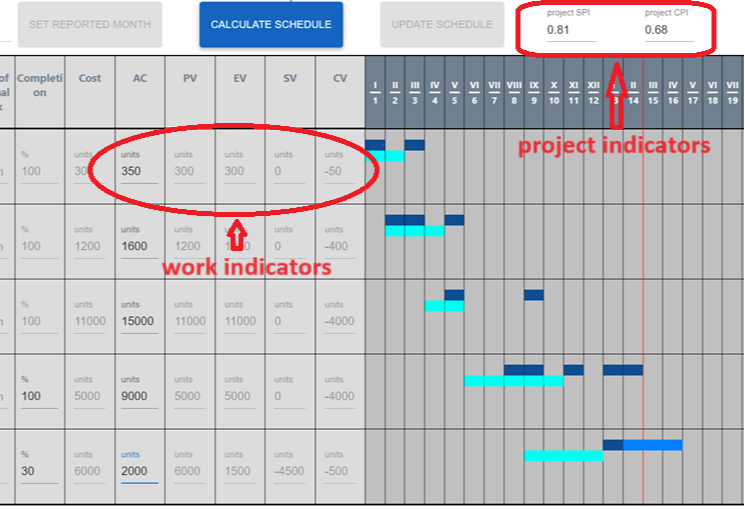
EVM indicators

Relevant EVM indicators are computed for every work and for the whole project on the base of input data such as work cost, percent of completion and actual cost .

image alt

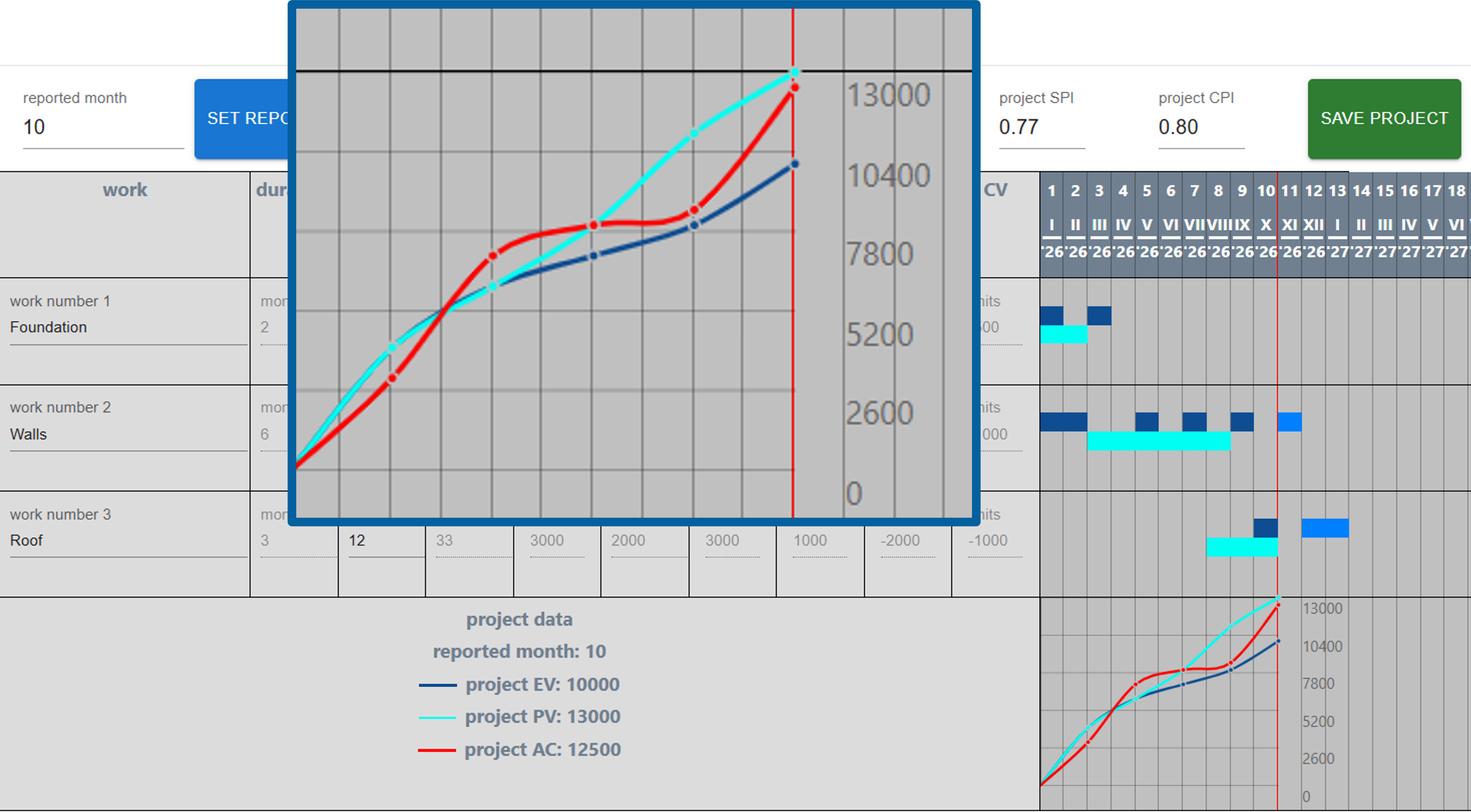
S-curves

S-curves for EV, PV and AC are built upon uploaded data: % complete, planned value and actual cost

image alt

Plan of development

Changing works order by drag&drop
Creating a new project from residual works
Creating a list of projects
Variable time scale unit
Critical path

FAQ